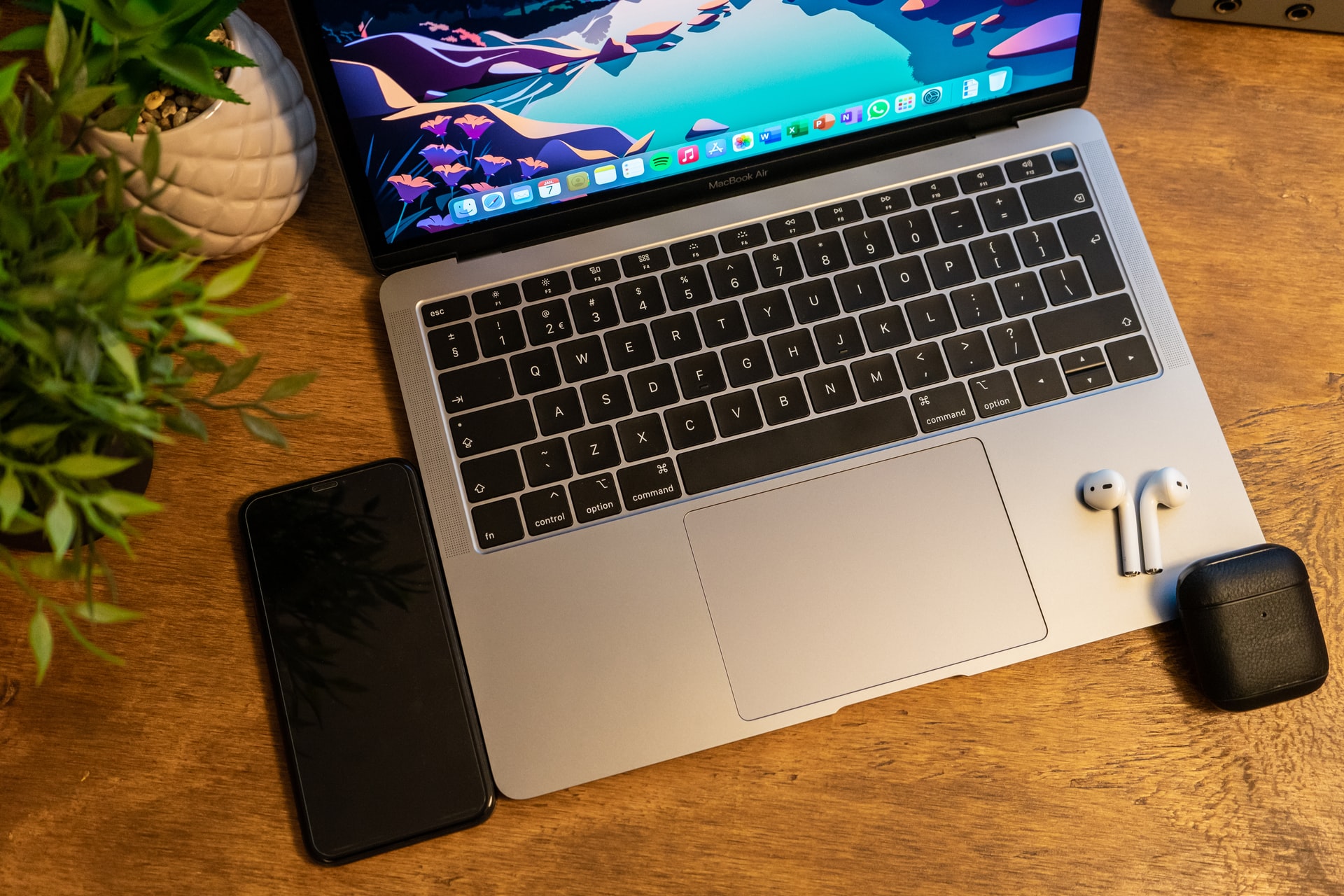
After contemplating for a few months whether the additional cost of my primary computing device will result in productivity gains, I finally purchased a M1 MacBook Air in November. This was quite an upgrade from my Lenovo ThinkPad E14, which was an highly optimised capital resource given the cost to output ratio. However, the upgrade to new Windows 11 made the i3 – 10th generation processor struggle so much that even basic tasks lagged to an irritable extent.
Although there are few things that you notice immediately when you move from a Windows laptop to MacBook, the uplift depends on what kind of Windows laptop you had been using earlier. And I shared my early impressions with the short term review of MacBook Air within the first week of usage. Users of the high-end ThinkPad, Latitude or XPS laptops will not experience any significant upgrade in terms of display, UX responsiveness, portability and built quality. But such Windows laptops are even more expensive than the MacBook Pro!
Since I have already linked the short term review that mentions the myriad of gains with the MacBook Air, I will get to the points that matter over the long term.
Battery Life!
Yes, this is very important. While conducting online classes with an USB condenser mic attached, my windows laptop would run out of battery in about four hours. In contrast to that, the MacBook Air lasts over eight hours, letting me go through the workday on single charge. Moreover, with routine office work this device sails through two work days. We do understand that this battery life will reduce as the device ages, but from my previous experience with MacBooks this is not going to fall anywhere close to the levels of most other laptops.
Audio and Video Quality
With classes in hybrid modes and conference calls, the quality of webcam and microphones matter. On an ordinary laptop, I had to resort to an additional USB condenser microphone. But over a few days I realised that the built-in microphone quality is quite acceptable and I can make-do without the condenser on routine calls. In addition the image quality of the camera is far better. Although I am not sure whether it is hardware quality or the AI based image processing on the powerful M1 GPU that does the trick, this thing works too well. Most noticeable difference is the light correction as many people do not use a studio light set-up with a soft box diffuser.
FR (Finger Print Reader)
The earlier experience of using FR was limited to unlocking my laptop. But the way apple has integrated it with the Mac OS, you can use FR to autofill passwords from your keychain, delivering a seamless experience similar to previous generation iPhones.
Connection with iPhone
If your iPhone is close enough (couple of feet) to your MacBook, you can take calls on your MacBook. And this experience is not restricted to FaceTime calls, you can also answer GSM calls! This technology is a magic as the proximity detection delivers seamless experience. One of my previous experience was with a client, who is not a part of my Apple Family but connected via Apple Watch, shared his office WiFi password to my iPad seamlessly through Share Password feature.
Things only Possible on MacOS
Although there is not much change from 2015, it is worth a mention. The native preview application for PDF lets you do plenty of editing tasks such as reorganising pages, compress sizes, export JPG to PDF, insert signatures and more. In case of Windows, one would have to resort to a shady third party application or pay for Adobe premium.
The overall stability of the operating system and lack to redundant processes makes life easy, despite the occasional troubleshooting using the activity monitor. The multi-desktop and fullscreen feature available on Mac OS is far smoother and more usable owing to the better quality of the TrackPad hardware. And finally the dock, which is way better than the taskbar, it just adds to the convenience.
And finally the Challenges
First of all, the entire laptop is on a single chip! So even if a single component fails, you might end up replacing the entire chipset and this will cost you a bomb. Hence, as a risk transfer measure, or sort of an insurance, I would recommend purchasing Apple Care plan that extends the hardware warranty to three years. So consider this as an additional cost when you acquire the device.
This brings us to the concern of data loss, as replacing the entire chipset means a new blank hard drive! Since all my data syncs with the cloud in realtime this does not quite bother me but if you are not using cloud storage, I would recommend you to get OneDrive, Google Drive or Dropbox in addition to your iCloud as its basic subscription may not suffice for storage size needed.
And you will occasionally run in to small glitches while using Microsoft Office applications. Currently I am unable to auto-launch OneDrive on at start-up, save office files as PDF using print option and sometimes run into glitches while saving files. But the most frustrating part is that MS Office on Mac is different and I had to re-locate certain functions on the menu and adjust to the completely different feel of MS Excel, especially coming from a ThinkPad.
Wishes!
The only convenience I miss is the 180 degree hinge from ThinkPad. Although it is not quite a problem but I need to stay cautious to not let my intuitive muscle memory force the hinge flat open.
But the most critical thing I miss is the HDMI port. The absence of USB A ports can be forgiven but many people use an external display, making HDMI port a necessity. So you have to get an adapter from Apple, Belkin or Anker – in descending order of their prices.
This summarises my long term experience with the MacBook Air. And you can read my earlier blog MacBook Air M1, the cheapest premium laptop for more details. And if you want a crash course on Laptop Hardware to make better decisions, visit our step-by-step guide.
Header Image Photo by Julian Steenbergen on Unsplash
 Savvy Munshi