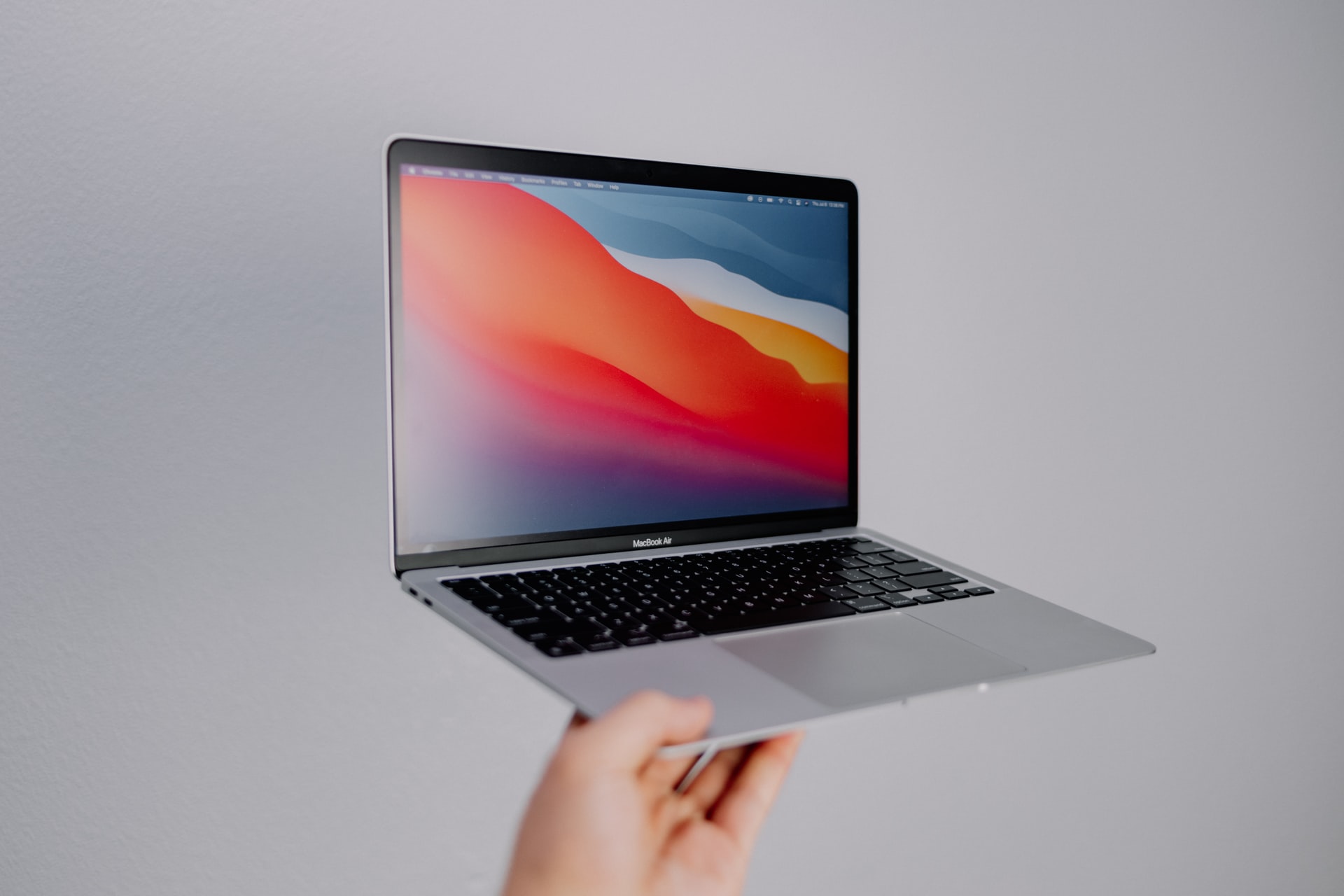
Disclaimer: This is NOT a paid review and I have paid for the unit in full. Moreover, since I have recently shifted from Windows 11 on ThinkPad, I might have been a little more swayed or overwhelmed by some trivial features. This review is based on first impressions and shall not be construed as technical evaluation or assessment of the product.
If you are market for a new Laptop in 2021, MacBook Air is perhaps the most affordable premium laptop. Although it is cheapest model on the MacBook line-up, it is better than most of the windows laptops that you will find on the market. And this is what makes its positioning unique.
At INR 83,900 (MacBook Air base spec price in India on November 3, 2021) this is positioned above the top spec consumer series models such as the Dell Inspiron series and Lenovo Ideapad, but below the business series models such as the ThinkPad X and T series and the Dell Latitude 5000 and 7000 series. Since I avoid consumer models and opt for business series options, even if the cheapest one such as the ThinkPad E series. As despite being the cheapest business series model they are better built and more expensive than their similar specification counterparts.
So while considering an upgrade, the ThinkPad T and X series laptops were among my possible choices. However, given their price point, I was reluctant to spend a fortune. And since I wanted the premium feel and features that make your life convenient, I did not want to settle with the top spec consumer variants or mid spec business variants such as the ThinkPad L or Latitude 5000 series. And MacBook Air is strategically positioned at this point!
But one thing to consider is that the MacBook Air price does not include the 3 year warranty unlike the ThinkPad X and T. Despite the additional INR 18,200 the cumulative cost is lower than the cheapest ThinkPad X13 Gen 1. Moreover, given the optional nature of this add-on many consumers might not shell the extra buck. Whereas, if you are considering the X13 Gen 2, X1 Carbon or T14s Gen 2 – MacBook Air, or even MacBook Pro models, is way cheaper.
Despite the affordable price tag, the MacBook Air packs a punch. To quantify this, I will enlist the advantages that pursued my purchase decision.
Built Quality
With Aluminium unibody, this is better than any plastic laptop in this segment. Unless you are opting for the premium models, Magnesium Alloy chassis and carbon fibre feel is off the charts. This built not only gives the sturdy feel but also makes it easier to wipe clean.
Display
With the Retina True Tone display with 400 nits brightness, the MacBook Air is way ahead of any FHD IPS panel available in the price range. It lacks touch screen, but since I rely on the keyboard shortcuts and Mac has an amazing trackpad this will not make much difference.
TrackPad
Over the last seven years, I have used the following laptop in chronological order: MacBook Air, MacBook Air, ThinkPad E470, ThinkPad E14, ThinkPad E14 and MacBook Air. Hence, my muscle memory is habituated to TrackPoint and MacBook TrackPad. Most Windows laptops do not have a TrackPad at par with MacBook and I desperately needed a good TrackPad to substitute for the TrackPoint and maintain productivity levels. Moreover, Mac gestures are quite a saviour, especially the three finger drag feature, which is now hidden under the accessibility options.
Little Things that Make Life Convenient
If you listen to music while working on your laptop or use your laptop as an audio device, MacBook Air is quite an upgrade, especially if you have been compromising with the barely acceptable audio quality of business laptops. The True Tone display along with the automatic brightness adjustment elevate the working experience. While the backlit keyboard finally lets me work in dim light. And finally the portability of this device makes it appealing to workaholics.
Hardware Grade
Since most, if not all, Apple products are flagship products including the MacBook Air, the quality, technically called grade, of components such as webcam, speakers, microphone, finger print sensors, etc.., as well as the plastic, are above average and tested for durability, despite the lack of Mil Spec certification.
Computing Power
With the Apple M1 silicon, you posses some of the most advanced computing power available in a Laptop as of 2021. For an apple-to-apple comparison, the M1 compares with the Intel 11th Gen i5 low voltage processors. However, in terms of power consumption and performance of the M1 chip is better owing to the software optimisation and single chip architecture. And if you want to understand the technicalities and rationale, visit our course on computer hardware essentials.
And if you are as paranoid as myself and wondering where’s the catch, here are the things that you will have to bear with.
Lack of Ports
There are only two USB-C ports and one 3.5 mm headphone jack. Although I do not often plug in cables, I definitely need an HDMI port as the third world is yet to upgrade to wireless displays. Moreover the other cables that I need to plug in once-in-a-while are all USB-A. Hence, you will be compelled to purchase an adapter.
Repair
The first MacBook I owned suffered a critical motherboard problem after 18 months. Since it was not covered under the extended warranty the exorbitant cost compelled me to trade-in and upgrade to the latest MacBook Air model. So my advice, shell out that extra buck for Apple Care and given the proprietary nature of hardware and single chip architecture, third party repair is still months, if not years, away.
Upgradability
Owing to the single chip architecture, everything is soldered to the board, including the storage. So you have to pay upfront for your future needs and given the hefty price for specs jump, there is absolutely no point in attempting to make it future proof.
Things I Miss
Page up and down button, although most people will never realise their significance, they are absolutely indispensable for consultants and analysts scrolling through thousands of excel rows. Delete button and its intuitive function on Windows. The mouse buttons over the TrackPad, along with the TrackPoint. Only analysts performing repetitive formatting and formula tasks in excel will miss these.
And of course the learning curve to get habituated to the eco-system, re-wiring my muscle memory for using the keyboard and trackpad, and learning the keyboard shortcuts. Also, I am yet to discover features that have been compromised in Office 365 for Mac. Also, a side note for analysts, PowerBI native app is currently unavailable on Mac. Also you can read my long term review to know more.
Feature Image Photo by Isaac Martin on Unsplash
 Savvy Munshi